say mimo



The AI friend you add to the group chat

On a computer?
Scan with your iPhone camera. It opens a text to Mimo, just hit send.
Didn't open? Text
No app and no sign-up. Mimo is a contact you add to a group.
It answers when you say its name, and stays quiet when you don't.

Meet Mimo
Mimo is an AI that joins your group chat like a friend would. It can settle a bet, pick the place, keep track of the plan and who owes what. Say mimo and it jumps in.
Add Mimo to your group
Text Mimo once, then add it like any friend. Works in any iMessage group with 3 or more people.
Mimo+1 (628) 264-7490+1. Text Mimo. Tap Text Mimo and hit send. It texts back with its card.
2. Open your group. Tap the group name at the top.
3. Add Contact. Tap the people, Add Contact, type Mimo, tap Done. Then say hi mimo.
Your chat, read on day one
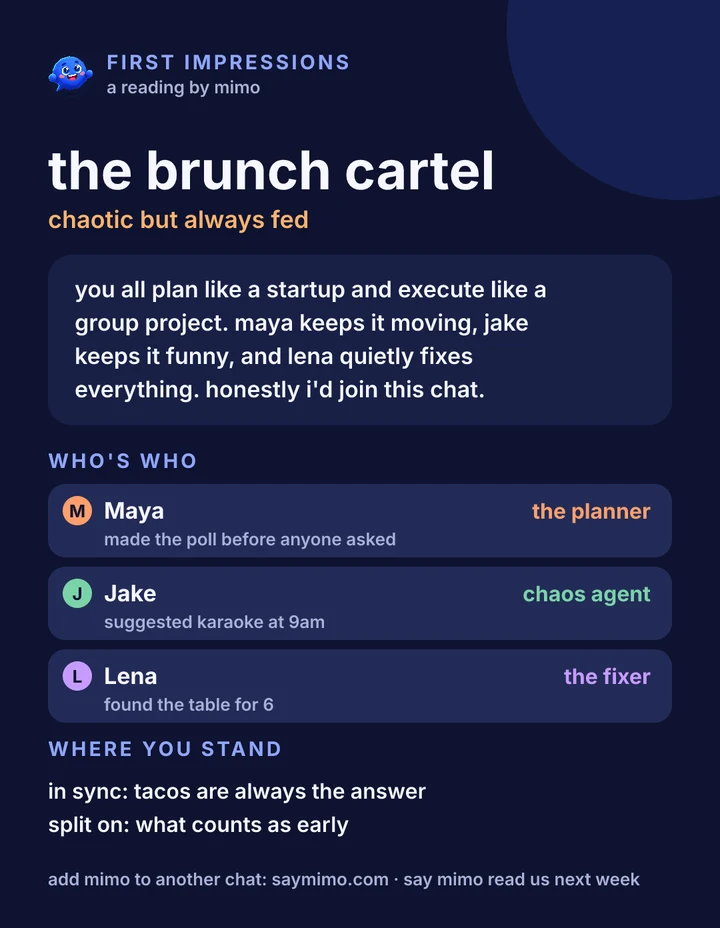
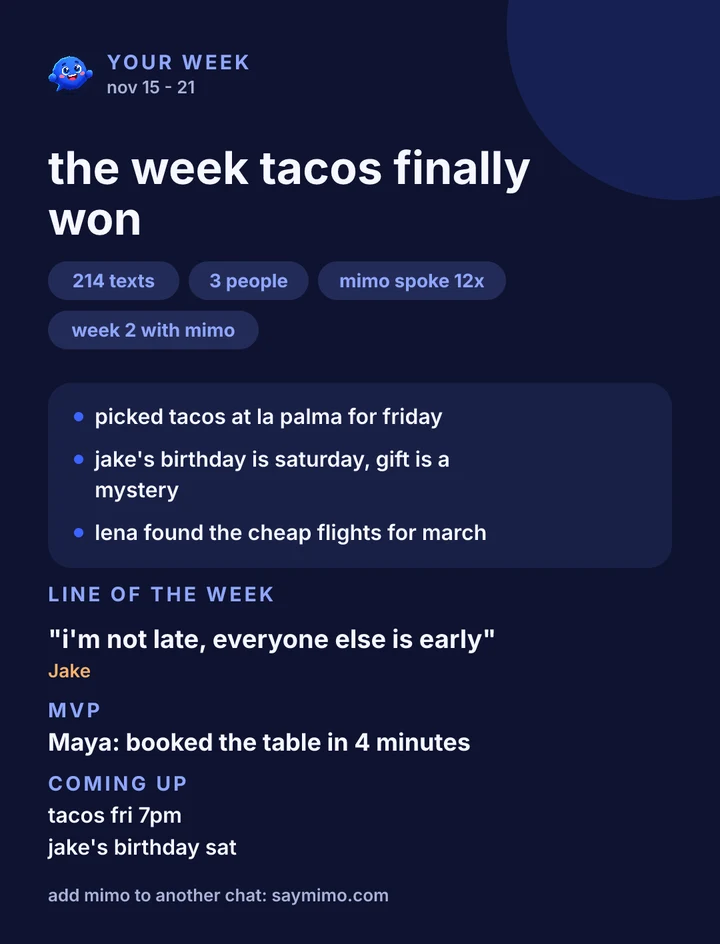
After your first real chat, Mimo sends the group its first impressions: a crew name, who plays which role, and where you're in sync. Tell it when, and it sends your week in the chat every week.
A friend, not a feed
Mimo talks like one of you: short, warm, a little cheeky. It reads the room, helps when asked, and never takes over the chat.

Settles the debate. Facts, odds and a fair call.

Keeps the plan. Who's in, where, when, and a nudge on the day.

Knows when to be quiet. No name, no reply.
Your group, your rules
Anyone in the group can stop Mimo at any time. Mimo says it is an AI when it joins.
Mimo goes quiet until someone says its name again.
Deletes what it noted about a thing.
Mimo leaves the group.